Example · step 3 of 3
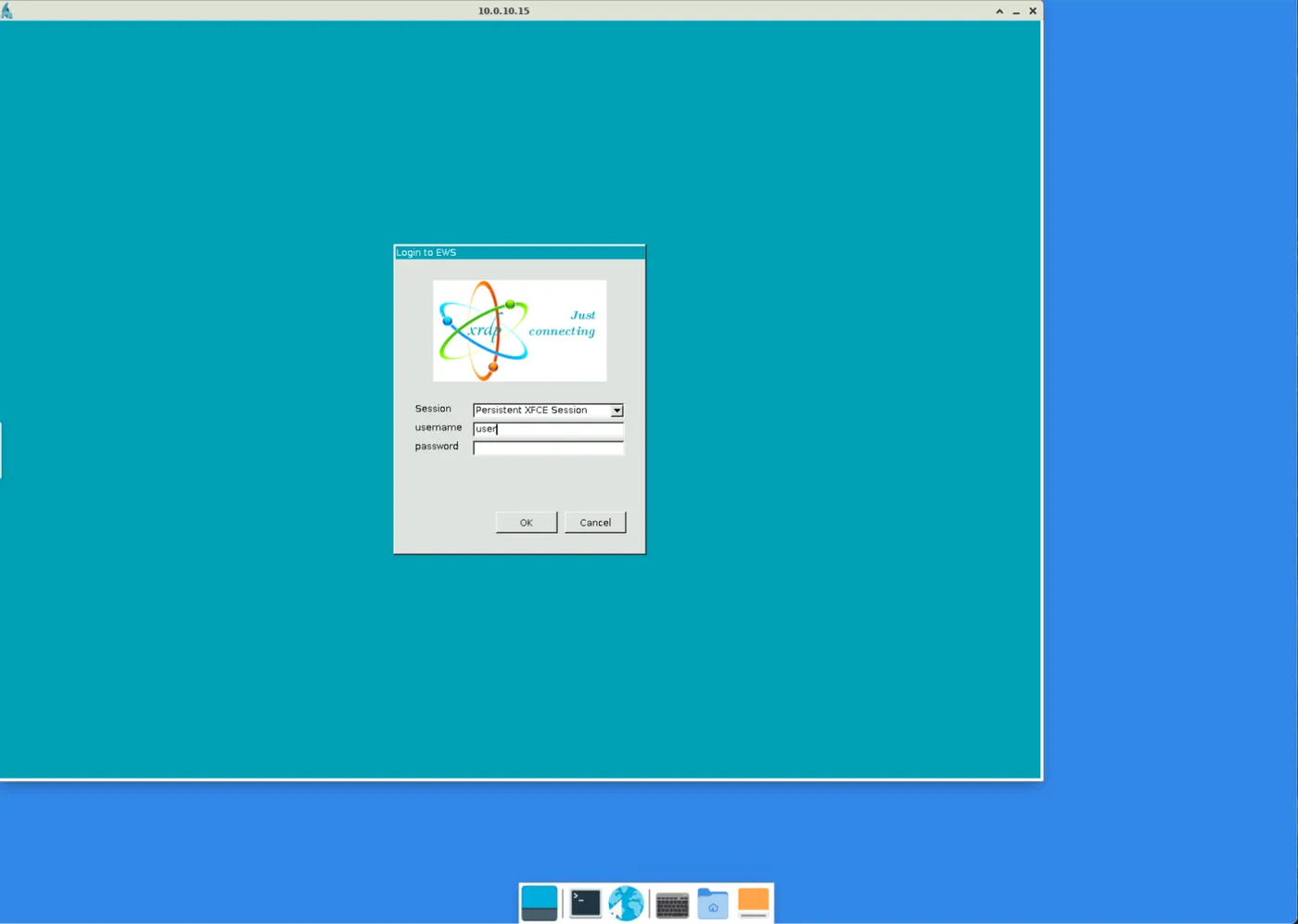
The user opens a remote desktop
The remote desktop to the engineering workstation, EWS, opens on the desktop in the browser. The user signs in to the workstation as usual. The connection is encrypted all the way to the Lock in front of the workstation.