XoT-Clients
The client opens the connection
An XoT client authenticates and opens an encrypted connection to a Lock. Clients come in several forms for different needs.
For users
XoT-Desktop Client
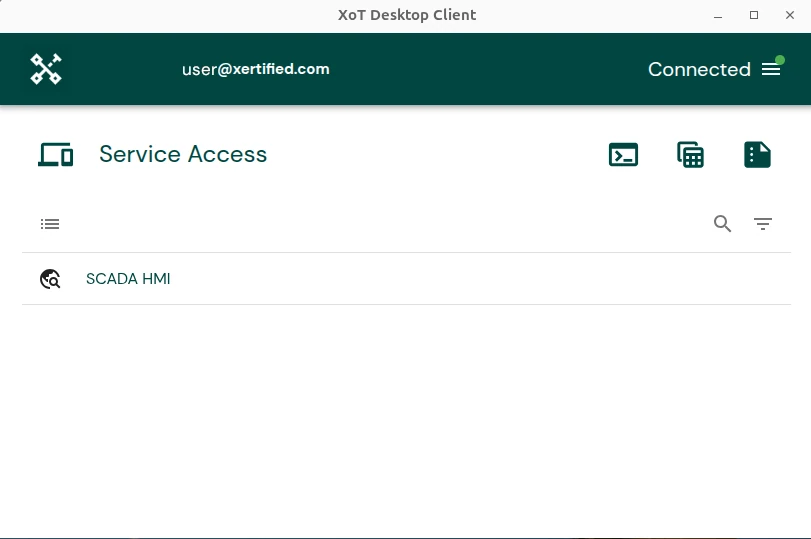
The XoT-Desktop Client is the application for end users. It is available for Windows, macOS and Linux.
- Users see their access. The client shows which devices and services the user is authorised to reach.
- Connections open automatically. The client receives its access from the XMS and opens tunnels to the right Locks.
- Standard tools keep working. Users work with their browser, SSH client or remote desktop as usual, as if the equipment were on the same network.
- One click to a service. The client provides clickable links for HTTP and HTTPS, SSH, SFTP and RDP.
Authentication
Hardware tokens and certificates
The client authenticates with a certificate. The certificate and private key are best kept on a hardware token, which we recommend.
The client uses the PKCS#11 standard and supports:
| Type | Examples |
|---|---|
| Hardware token | Yubico YubiKey |
| Smart cards | Thales ID series and Net iD |
| Other smart cards | Through OpenSC |
| Certificate file | Where no hardware token is available |
Hardware tokens require a PIN.
For servers
Headless client
The client can run without a graphical interface, known as headless mode. It suits servers and automated systems, for example machine-to-machine communication.
Security and policy enforcement are the same as in the XoT-Desktop Client. The headless client runs as a system service.
It supports certificate files, Net iD and OpenSC. YubiKey is not supported in headless mode, because it requires someone to enter a PIN.
In the Lock
The client in every XoT-Lock
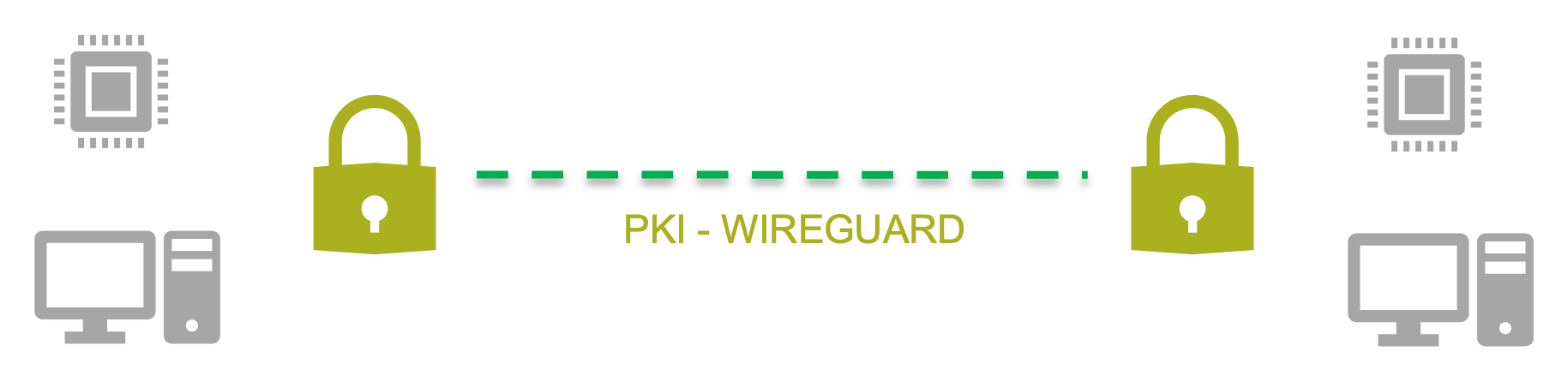
Every XoT-Lock has a built-in client. Two Locks can therefore open a connection between them. The equipment behind them can communicate without any software installed on it.
Client Lock
A computer behind a Lock
A Lock can be placed between a computer and the network. The Lock gives the computer an address over DHCP, and the computer runs the XoT-Desktop Client as usual. This setup is called Client Lock and works together with the XoT-Bridge. It suits working from home, for example.
Can't install software?
Then XoT-WebAccess may suit you. Users work in a temporary desktop in their browser.