XoT-Lock
The Lock in front of your equipment
The XoT-Lock protects anything from a single device to several subnets across multiple VLANs. You place the Lock in front of the equipment and define the policies in the XMS. Only traffic that a policy allows gets through.
What it protects
Three types of asset
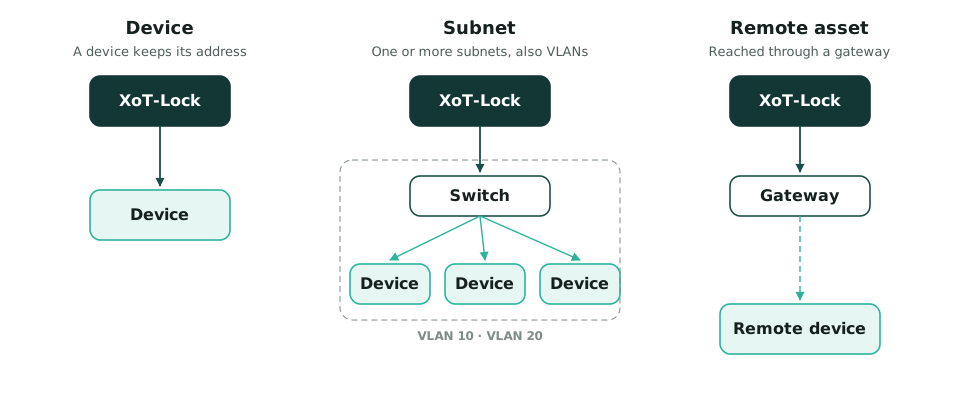
Whatever a Lock protects is called an asset. An asset can be a device, a subnet or a remote asset.
Device
A single device with a single IP address. The device keeps its address and its place in the network.
Subnet
One or more entire subnets, also across several VLANs. Devices can get their addresses from your existing DHCP server, or the Lock can assign them.
Remote asset
A device or subnet that is not connected directly to the Lock. The Lock reaches it through a gateway on a network it already protects.
Networking
What the Lock can do in the network
Everything is configured from the XMS. You do not need to log in to each Lock.
Firewall
Rules per asset and per device, filtering on protocol, port and direction.
DHCP
The Lock can relay DHCP requests or act as a DHCP server for the devices behind it.
NAT
Static and dynamic NAT between the protected network and the network outside, in both directions.
VLANs
One Lock can protect several VLANs using tagged networks.
802.1X
The Lock can authenticate to switches that require 802.1X port-based access control.
Traffic mirroring
The Lock can send a copy of the traffic to a network analysis tool.
SSH for diagnostics
Administrators can enable SSH to the Lock for diagnostics. Login uses public keys, not passwords.
Machine to machine
The Lock is also a client
Every XoT-Lock has a built-in client. While it protects its own equipment, it can also open a connection to another Lock.
This lets equipment communicate securely without any software installed on it. For example, a PLC behind one Lock can talk to a SCADA server behind another. The Locks handle authentication and encryption on their behalf.
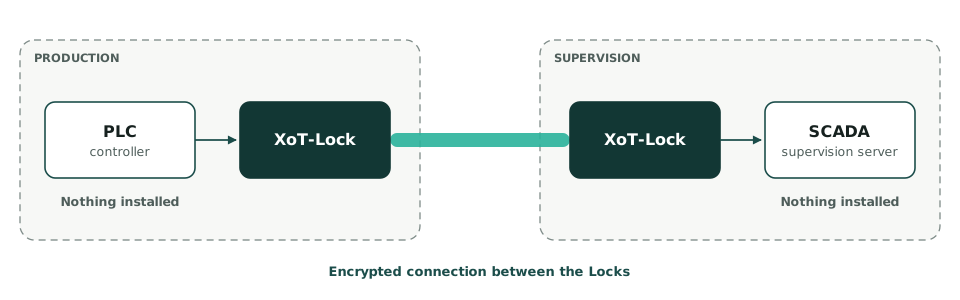
You set this up with a device-to-device policy in the XMS.
Platforms
Hardware or software
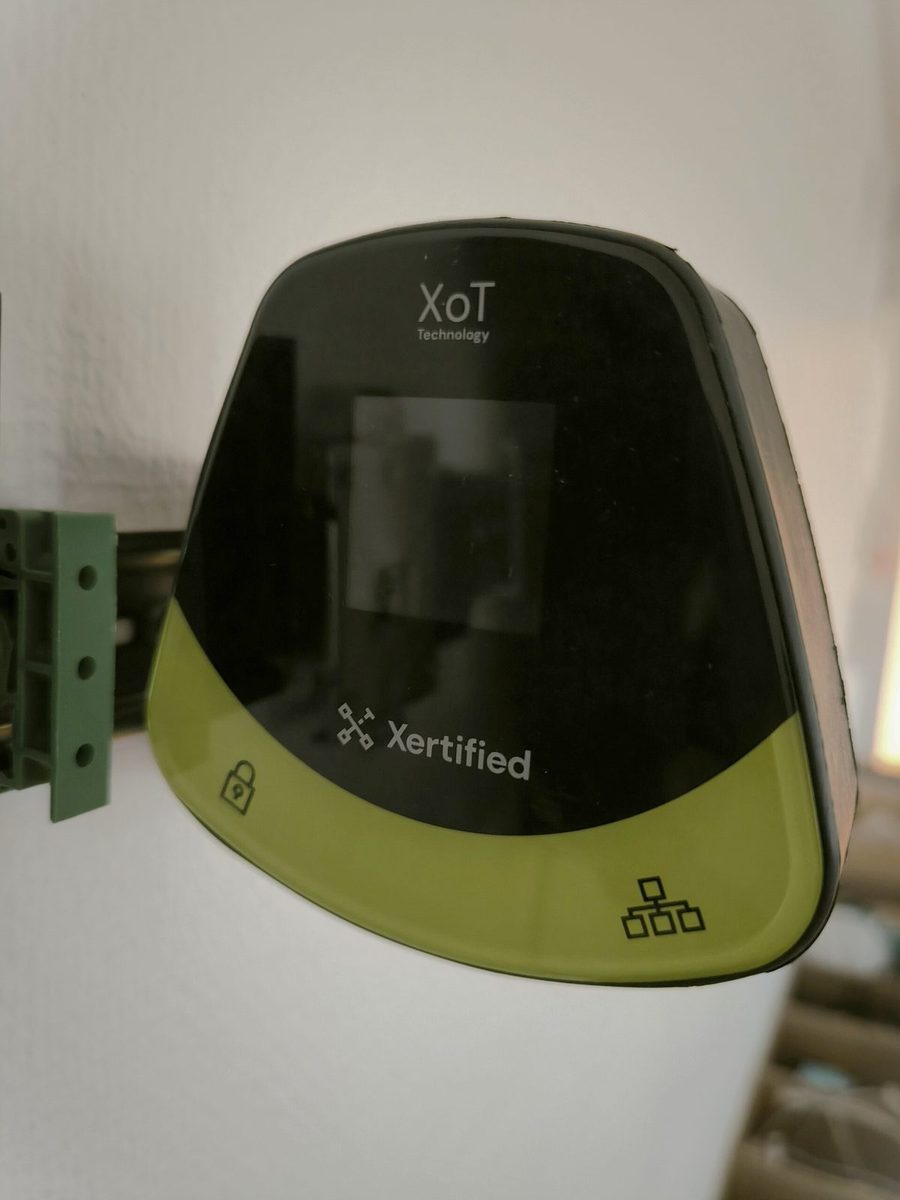
The Lock is available as the XoT-S1 hardware, which is ready to use within minutes.
The software can also be installed on any 64-bit x86 or ARM64 system, on bare metal or as a virtual machine. The Lock is also available as a package for Teltonika routers.
Common questions
Does the equipment need to change?
No. The equipment keeps its address and its settings. The protection is in the Lock.
How many devices can one Lock protect?
One Lock can protect a single device, several devices, whole subnets or several VLANs.
Does the Lock let anything through without a policy?
No. All traffic is blocked until a policy in the XMS allows it. This applies even when a client is connected to the Lock.
Start with one machine
Place a Lock in front of the machine that is hardest to protect today.